Creating effective error messages
Creating effective error messages
May 8, 2024
May 8, 2024
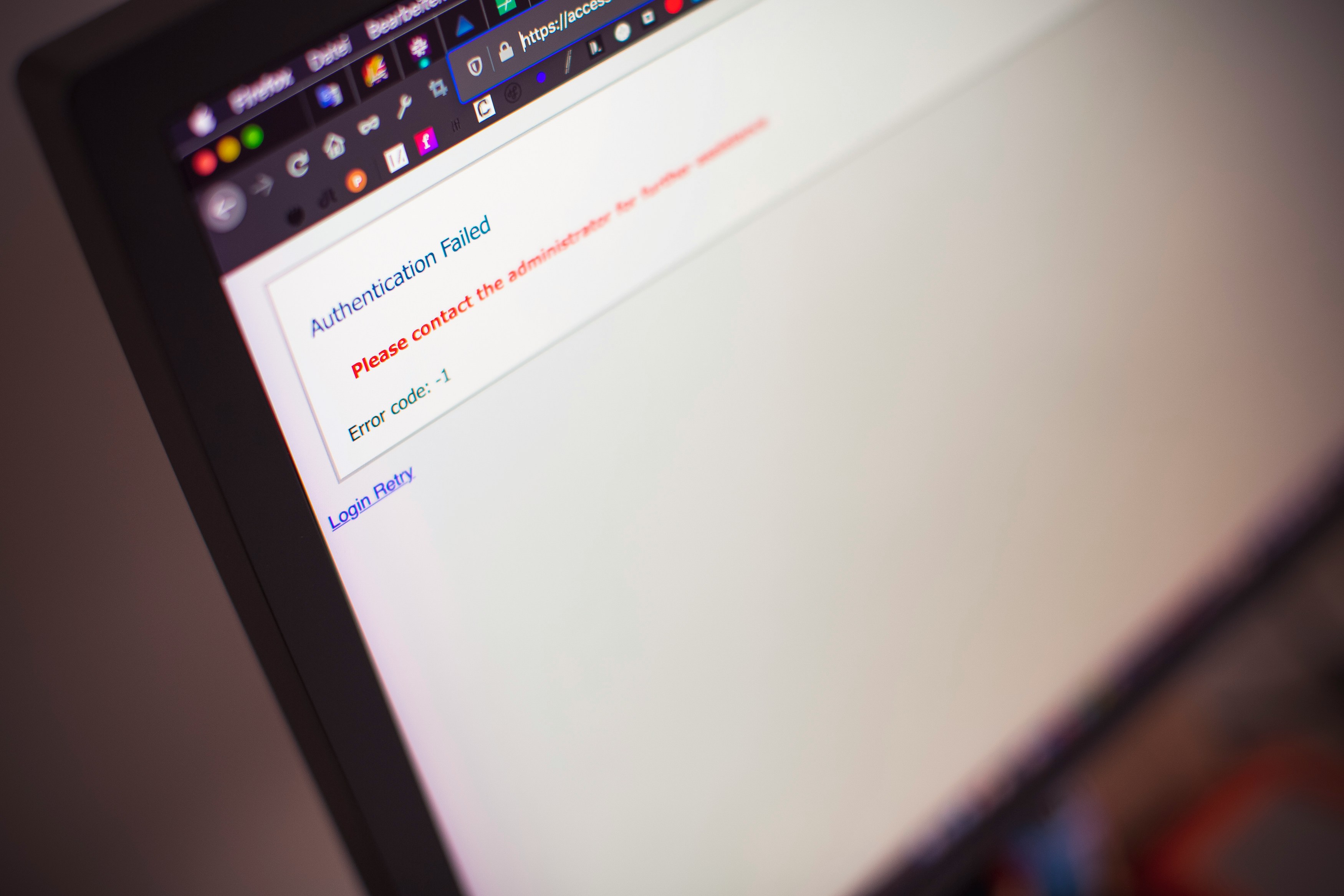
Image by Markus Spiske
Effective error messages play a crucial role in reducing user frustration and improving clarity when users encounter issues or errors while interacting with a product or service. By designing helpful and informative error messages, designers can guide users through troubleshooting steps, provide clear explanations of the problem, and offer actionable solutions to resolve the issue. Here's how to create effective error messages.
Be Clear and Concise
Ensure that error messages are clear, concise, and easy to understand. Use plain language and avoid technical jargon or ambiguous terms that may confuse users. Clearly communicate what went wrong and why, using simple language that users can easily grasp.
Example: "Oops! Something went wrong. Please check your internet connection and try again."
Provide Context and Guidance
Provide context and guidance to help users understand the cause of the error and what steps they can take to resolve it. Offer specific instructions or suggestions for troubleshooting the issue, such as checking network connectivity, verifying input fields, or refreshing the page.
Example: "Unable to submit form. Please ensure all required fields are filled out correctly and try again."
Offer Solutions and Next Steps
Offer solutions and next steps to help users address the error and continue with their task or transaction. Provide actionable recommendations or links to relevant resources, such as help articles, support documentation, or contact information for customer support, to assist users in resolving the issue effectively.
Example: "Error processing payment. Please try again later or contact support for assistance."
Use Visual Cues and Icons
Use visual cues and icons to enhance the visibility and clarity of error messages. Use attention-grabbing colors, such as red or orange, to indicate an error state, and use icons or symbols to convey the nature of the error, such as a warning triangle or an exclamation mark.
Example: ![Error Icon] Insert image of a warning icon.
Apologize and Acknowledge User Efforts
Apologize for the inconvenience caused by the error and acknowledge the user's efforts in attempting to complete their task. Express empathy and understanding for the user's frustration, and reassure them that their efforts are appreciated and valued.
Example: "We apologize for the inconvenience. Thank you for your patience as we work to resolve this issue."
Avoid Blame or Technical Jargon
Avoid blaming the user for the error or using technical language that may be unfamiliar to non-technical users. Instead, focus on providing helpful guidance and support to assist users in resolving the issue effectively.
Example: "Error: 404 - Page Not Found. It looks like the page you're trying to access doesn't exist. Please check the URL and try again."
Test Error Messages with Users
Test error messages with real users to ensure that they are effective, understandable, and helpful in real-world scenarios. Gather feedback from users through usability testing, surveys, or feedback forms, and iterate on error messages based on their input to improve clarity and effectiveness.
Provide Contact Information for Support
Provide contact information or links to customer support channels, such as email addresses, phone numbers, or live chat options, to assist users in seeking further assistance if needed. Ensure that support options are readily accessible and easy to find within the error message or accompanying documentation.
Example: "Need further assistance? Contact our support team at support@example.com or call 1-800-123-4567."
Offer Alternatives or Workarounds
Offer alternatives or workarounds to help users continue with their task or transaction if the error cannot be resolved immediately. Provide options for users to retry the action, navigate to a different page, or use an alternative method to achieve their goal, if available.
Example: "Error loading page. Please try refreshing the page or navigating back to the previous page to continue."
Monitor and Improve Error Handling
Monitor error occurrences and user feedback to identify recurring issues or patterns that may indicate underlying usability or technical problems. Continuously evaluate and improve error handling processes and messages based on user feedback, data analytics, and best practices in UX design to enhance clarity, reduce frustration, and improve the overall user experience.
By following these guidelines and best practices, designers can create effective error messages that reduce user frustration, improve clarity, and guide users through troubleshooting steps to resolve issues effectively. Effective error messages play a critical role in maintaining user trust and confidence in a product or service, and by designing helpful and informative error messages, designers can enhance the overall user experience and ensure a positive interaction with users, even in challenging situations.
Effective error messages play a crucial role in reducing user frustration and improving clarity when users encounter issues or errors while interacting with a product or service. By designing helpful and informative error messages, designers can guide users through troubleshooting steps, provide clear explanations of the problem, and offer actionable solutions to resolve the issue. Here's how to create effective error messages.
Be Clear and Concise
Ensure that error messages are clear, concise, and easy to understand. Use plain language and avoid technical jargon or ambiguous terms that may confuse users. Clearly communicate what went wrong and why, using simple language that users can easily grasp.
Example: "Oops! Something went wrong. Please check your internet connection and try again."
Provide Context and Guidance
Provide context and guidance to help users understand the cause of the error and what steps they can take to resolve it. Offer specific instructions or suggestions for troubleshooting the issue, such as checking network connectivity, verifying input fields, or refreshing the page.
Example: "Unable to submit form. Please ensure all required fields are filled out correctly and try again."
Offer Solutions and Next Steps
Offer solutions and next steps to help users address the error and continue with their task or transaction. Provide actionable recommendations or links to relevant resources, such as help articles, support documentation, or contact information for customer support, to assist users in resolving the issue effectively.
Example: "Error processing payment. Please try again later or contact support for assistance."
Use Visual Cues and Icons
Use visual cues and icons to enhance the visibility and clarity of error messages. Use attention-grabbing colors, such as red or orange, to indicate an error state, and use icons or symbols to convey the nature of the error, such as a warning triangle or an exclamation mark.
Example: ![Error Icon] Insert image of a warning icon.
Apologize and Acknowledge User Efforts
Apologize for the inconvenience caused by the error and acknowledge the user's efforts in attempting to complete their task. Express empathy and understanding for the user's frustration, and reassure them that their efforts are appreciated and valued.
Example: "We apologize for the inconvenience. Thank you for your patience as we work to resolve this issue."
Avoid Blame or Technical Jargon
Avoid blaming the user for the error or using technical language that may be unfamiliar to non-technical users. Instead, focus on providing helpful guidance and support to assist users in resolving the issue effectively.
Example: "Error: 404 - Page Not Found. It looks like the page you're trying to access doesn't exist. Please check the URL and try again."
Test Error Messages with Users
Test error messages with real users to ensure that they are effective, understandable, and helpful in real-world scenarios. Gather feedback from users through usability testing, surveys, or feedback forms, and iterate on error messages based on their input to improve clarity and effectiveness.
Provide Contact Information for Support
Provide contact information or links to customer support channels, such as email addresses, phone numbers, or live chat options, to assist users in seeking further assistance if needed. Ensure that support options are readily accessible and easy to find within the error message or accompanying documentation.
Example: "Need further assistance? Contact our support team at support@example.com or call 1-800-123-4567."
Offer Alternatives or Workarounds
Offer alternatives or workarounds to help users continue with their task or transaction if the error cannot be resolved immediately. Provide options for users to retry the action, navigate to a different page, or use an alternative method to achieve their goal, if available.
Example: "Error loading page. Please try refreshing the page or navigating back to the previous page to continue."
Monitor and Improve Error Handling
Monitor error occurrences and user feedback to identify recurring issues or patterns that may indicate underlying usability or technical problems. Continuously evaluate and improve error handling processes and messages based on user feedback, data analytics, and best practices in UX design to enhance clarity, reduce frustration, and improve the overall user experience.
By following these guidelines and best practices, designers can create effective error messages that reduce user frustration, improve clarity, and guide users through troubleshooting steps to resolve issues effectively. Effective error messages play a critical role in maintaining user trust and confidence in a product or service, and by designing helpful and informative error messages, designers can enhance the overall user experience and ensure a positive interaction with users, even in challenging situations.
Effective error messages play a crucial role in reducing user frustration and improving clarity when users encounter issues or errors while interacting with a product or service. By designing helpful and informative error messages, designers can guide users through troubleshooting steps, provide clear explanations of the problem, and offer actionable solutions to resolve the issue. Here's how to create effective error messages.
Be Clear and Concise
Ensure that error messages are clear, concise, and easy to understand. Use plain language and avoid technical jargon or ambiguous terms that may confuse users. Clearly communicate what went wrong and why, using simple language that users can easily grasp.
Example: "Oops! Something went wrong. Please check your internet connection and try again."
Provide Context and Guidance
Provide context and guidance to help users understand the cause of the error and what steps they can take to resolve it. Offer specific instructions or suggestions for troubleshooting the issue, such as checking network connectivity, verifying input fields, or refreshing the page.
Example: "Unable to submit form. Please ensure all required fields are filled out correctly and try again."
Offer Solutions and Next Steps
Offer solutions and next steps to help users address the error and continue with their task or transaction. Provide actionable recommendations or links to relevant resources, such as help articles, support documentation, or contact information for customer support, to assist users in resolving the issue effectively.
Example: "Error processing payment. Please try again later or contact support for assistance."
Use Visual Cues and Icons
Use visual cues and icons to enhance the visibility and clarity of error messages. Use attention-grabbing colors, such as red or orange, to indicate an error state, and use icons or symbols to convey the nature of the error, such as a warning triangle or an exclamation mark.
Example: ![Error Icon] Insert image of a warning icon.
Apologize and Acknowledge User Efforts
Apologize for the inconvenience caused by the error and acknowledge the user's efforts in attempting to complete their task. Express empathy and understanding for the user's frustration, and reassure them that their efforts are appreciated and valued.
Example: "We apologize for the inconvenience. Thank you for your patience as we work to resolve this issue."
Avoid Blame or Technical Jargon
Avoid blaming the user for the error or using technical language that may be unfamiliar to non-technical users. Instead, focus on providing helpful guidance and support to assist users in resolving the issue effectively.
Example: "Error: 404 - Page Not Found. It looks like the page you're trying to access doesn't exist. Please check the URL and try again."
Test Error Messages with Users
Test error messages with real users to ensure that they are effective, understandable, and helpful in real-world scenarios. Gather feedback from users through usability testing, surveys, or feedback forms, and iterate on error messages based on their input to improve clarity and effectiveness.
Provide Contact Information for Support
Provide contact information or links to customer support channels, such as email addresses, phone numbers, or live chat options, to assist users in seeking further assistance if needed. Ensure that support options are readily accessible and easy to find within the error message or accompanying documentation.
Example: "Need further assistance? Contact our support team at support@example.com or call 1-800-123-4567."
Offer Alternatives or Workarounds
Offer alternatives or workarounds to help users continue with their task or transaction if the error cannot be resolved immediately. Provide options for users to retry the action, navigate to a different page, or use an alternative method to achieve their goal, if available.
Example: "Error loading page. Please try refreshing the page or navigating back to the previous page to continue."
Monitor and Improve Error Handling
Monitor error occurrences and user feedback to identify recurring issues or patterns that may indicate underlying usability or technical problems. Continuously evaluate and improve error handling processes and messages based on user feedback, data analytics, and best practices in UX design to enhance clarity, reduce frustration, and improve the overall user experience.
By following these guidelines and best practices, designers can create effective error messages that reduce user frustration, improve clarity, and guide users through troubleshooting steps to resolve issues effectively. Effective error messages play a critical role in maintaining user trust and confidence in a product or service, and by designing helpful and informative error messages, designers can enhance the overall user experience and ensure a positive interaction with users, even in challenging situations.