Here what I learn designing for international audiences
Here what I learn designing for international audiences
17 Jul 2024
17 Jul 2024
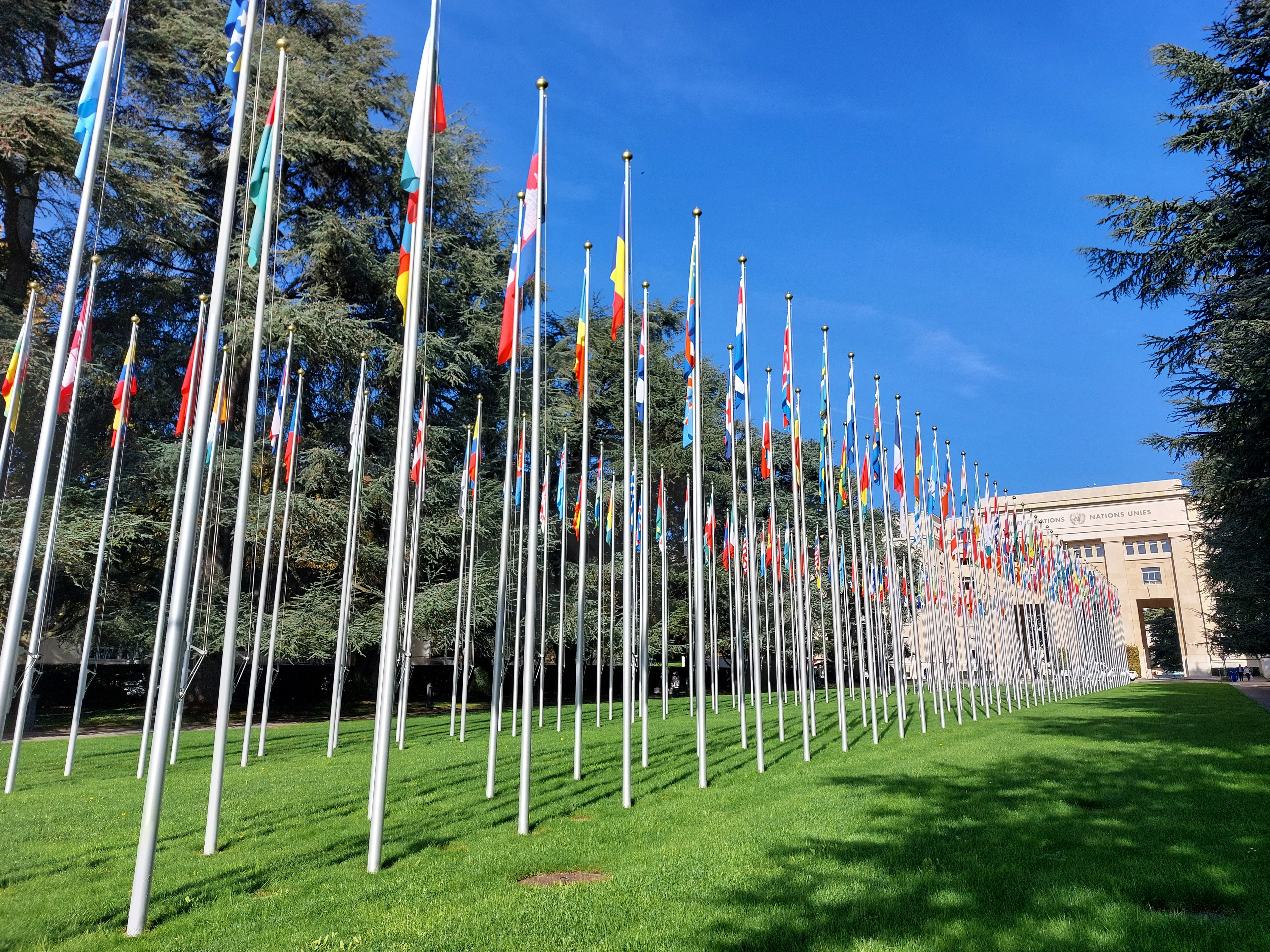
Image by Mmoka .
Designing a website or application for international audiences requires more than just translating text. It involves adapting the design to suit different cultural preferences, languages, and user behaviors. Localization ensures that your product resonates with users worldwide, enhances user experience (UX), and drives engagement. This blog explores essential tips and best practices for designing for international audiences through effective localization.
Understanding Localization in Design
Localization is the process of adapting a product or service to meet the linguistic, cultural, and technical requirements of a specific market or locale. In web design, it encompasses not only language translation but also cultural nuances, design aesthetics, and user preferences.
Importance of Localization
Cultural Relevance: Tailoring content and design elements to local customs and cultural norms enhances user acceptance and engagement.
Improved User Experience: By understanding and addressing local expectations, users feel more connected to your product, leading to higher satisfaction and retention rates.
Market Expansion: Effective localization can open doors to new markets and increase your global reach.
Key Considerations for Designing for International Audiences
1. Language and Text
Use Unicode Characters
Ensure your design supports Unicode characters to display different languages accurately. This includes testing for non-Latin scripts such as Chinese, Arabic, or Cyrillic.
Text Expansion
Account for text expansion and contraction in different languages. Some languages require more space than others to convey the same message.
2. Colors and Symbols
Cultural Significance
Research color meanings and cultural interpretations of symbols. Colors can have different associations across cultures (e.g., red symbolizes luck in China but danger in Western cultures).
Accessibility Considerations
Ensure sufficient color contrast for readability, especially for users with visual impairments. Test color combinations to meet accessibility standards globally.
3. Layout and Design Elements
Right-to-Left (RTL) Languages
Design layouts that support RTL languages such as Arabic or Hebrew. This includes reversing text direction and aligning interface elements accordingly.
Visual Hierarchy
Adapt visual hierarchy principles to suit different reading patterns. For example, users in Asian cultures may prefer denser text and more intricate designs compared to minimalist Western designs.
4. Icons and Imagery
Universality of Icons
Use universally recognized icons where possible (e.g., a magnifying glass for search). Avoid culturally specific icons that may not be understood universally.
Culturally Appropriate Imagery
Select images and illustrations that resonate with your target audience’s cultural norms and values. Avoid stereotypes and ensure inclusivity in representation.
5. Navigation and User Experience (UX)
Intuitive Navigation
Design navigation menus and user flows that are intuitive across different languages and cultures. Use clear labels and logical sequences that transcend language barriers.
Localization of Content
Adapt content such as date formats, currency symbols, and measurement units to align with local conventions. This demonstrates attention to detail and enhances user comprehension.
Best Practices for Effective Localization
1. Conduct Cultural Research
User Persona Development
Create detailed user personas that reflect the cultural diversity of your target markets. Understand their preferences, behaviors, and expectations.
Cultural Sensitivity Training
Educate design teams about cultural differences and sensitivities. This fosters empathy and ensures designs are respectful and inclusive.
2. Collaborate with Native Speakers
Translation Quality
Work with professional translators who are native speakers of the target language. Ensure translations are accurate and culturally appropriate.
User Testing
Conduct usability testing with international users to gather feedback on design elements, language clarity, and cultural relevance. Iteratively refine your designs based on user insights.
3. Implement Scalable Design Systems
Modular Design Components
Use scalable design systems (e.g., design tokens, component libraries) that can accommodate changes across different locales efficiently.
Flexible Layouts
Design layouts that can accommodate varying content lengths and structural differences across languages. This ensures consistency and usability across different locales.
Examples of Successful Localization in Design
1. Google
Google’s search engine adapts its interface and search results to suit different countries and languages seamlessly. The layout, colors, and content are localized to provide a consistent user experience globally.
2. Airbnb
Airbnb tailors its website to local markets by featuring culturally relevant images, localized content, and local currency options. This approach enhances user trust and usability across diverse regions.
3. Facebook
Facebook’s interface supports multiple languages and cultural preferences, including RTL languages and localized content. Users worldwide experience a familiar and intuitive interface tailored to their language and region.
Conclusion
Designing for international audiences through effective localization is essential for creating inclusive, engaging, and user-friendly experiences. By considering linguistic, cultural, and design aspects, you can ensure that your product resonates with users worldwide. Invest in cultural research, collaborate with native speakers, and adopt scalable design practices to streamline the localization process. By embracing diversity and cultural sensitivity in your design approach, you can build stronger connections with global users and expand your market presence effectively.
Designing a website or application for international audiences requires more than just translating text. It involves adapting the design to suit different cultural preferences, languages, and user behaviors. Localization ensures that your product resonates with users worldwide, enhances user experience (UX), and drives engagement. This blog explores essential tips and best practices for designing for international audiences through effective localization.
Understanding Localization in Design
Localization is the process of adapting a product or service to meet the linguistic, cultural, and technical requirements of a specific market or locale. In web design, it encompasses not only language translation but also cultural nuances, design aesthetics, and user preferences.
Importance of Localization
Cultural Relevance: Tailoring content and design elements to local customs and cultural norms enhances user acceptance and engagement.
Improved User Experience: By understanding and addressing local expectations, users feel more connected to your product, leading to higher satisfaction and retention rates.
Market Expansion: Effective localization can open doors to new markets and increase your global reach.
Key Considerations for Designing for International Audiences
1. Language and Text
Use Unicode Characters
Ensure your design supports Unicode characters to display different languages accurately. This includes testing for non-Latin scripts such as Chinese, Arabic, or Cyrillic.
Text Expansion
Account for text expansion and contraction in different languages. Some languages require more space than others to convey the same message.
2. Colors and Symbols
Cultural Significance
Research color meanings and cultural interpretations of symbols. Colors can have different associations across cultures (e.g., red symbolizes luck in China but danger in Western cultures).
Accessibility Considerations
Ensure sufficient color contrast for readability, especially for users with visual impairments. Test color combinations to meet accessibility standards globally.
3. Layout and Design Elements
Right-to-Left (RTL) Languages
Design layouts that support RTL languages such as Arabic or Hebrew. This includes reversing text direction and aligning interface elements accordingly.
Visual Hierarchy
Adapt visual hierarchy principles to suit different reading patterns. For example, users in Asian cultures may prefer denser text and more intricate designs compared to minimalist Western designs.
4. Icons and Imagery
Universality of Icons
Use universally recognized icons where possible (e.g., a magnifying glass for search). Avoid culturally specific icons that may not be understood universally.
Culturally Appropriate Imagery
Select images and illustrations that resonate with your target audience’s cultural norms and values. Avoid stereotypes and ensure inclusivity in representation.
5. Navigation and User Experience (UX)
Intuitive Navigation
Design navigation menus and user flows that are intuitive across different languages and cultures. Use clear labels and logical sequences that transcend language barriers.
Localization of Content
Adapt content such as date formats, currency symbols, and measurement units to align with local conventions. This demonstrates attention to detail and enhances user comprehension.
Best Practices for Effective Localization
1. Conduct Cultural Research
User Persona Development
Create detailed user personas that reflect the cultural diversity of your target markets. Understand their preferences, behaviors, and expectations.
Cultural Sensitivity Training
Educate design teams about cultural differences and sensitivities. This fosters empathy and ensures designs are respectful and inclusive.
2. Collaborate with Native Speakers
Translation Quality
Work with professional translators who are native speakers of the target language. Ensure translations are accurate and culturally appropriate.
User Testing
Conduct usability testing with international users to gather feedback on design elements, language clarity, and cultural relevance. Iteratively refine your designs based on user insights.
3. Implement Scalable Design Systems
Modular Design Components
Use scalable design systems (e.g., design tokens, component libraries) that can accommodate changes across different locales efficiently.
Flexible Layouts
Design layouts that can accommodate varying content lengths and structural differences across languages. This ensures consistency and usability across different locales.
Examples of Successful Localization in Design
1. Google
Google’s search engine adapts its interface and search results to suit different countries and languages seamlessly. The layout, colors, and content are localized to provide a consistent user experience globally.
2. Airbnb
Airbnb tailors its website to local markets by featuring culturally relevant images, localized content, and local currency options. This approach enhances user trust and usability across diverse regions.
3. Facebook
Facebook’s interface supports multiple languages and cultural preferences, including RTL languages and localized content. Users worldwide experience a familiar and intuitive interface tailored to their language and region.
Conclusion
Designing for international audiences through effective localization is essential for creating inclusive, engaging, and user-friendly experiences. By considering linguistic, cultural, and design aspects, you can ensure that your product resonates with users worldwide. Invest in cultural research, collaborate with native speakers, and adopt scalable design practices to streamline the localization process. By embracing diversity and cultural sensitivity in your design approach, you can build stronger connections with global users and expand your market presence effectively.
Designing a website or application for international audiences requires more than just translating text. It involves adapting the design to suit different cultural preferences, languages, and user behaviors. Localization ensures that your product resonates with users worldwide, enhances user experience (UX), and drives engagement. This blog explores essential tips and best practices for designing for international audiences through effective localization.
Understanding Localization in Design
Localization is the process of adapting a product or service to meet the linguistic, cultural, and technical requirements of a specific market or locale. In web design, it encompasses not only language translation but also cultural nuances, design aesthetics, and user preferences.
Importance of Localization
Cultural Relevance: Tailoring content and design elements to local customs and cultural norms enhances user acceptance and engagement.
Improved User Experience: By understanding and addressing local expectations, users feel more connected to your product, leading to higher satisfaction and retention rates.
Market Expansion: Effective localization can open doors to new markets and increase your global reach.
Key Considerations for Designing for International Audiences
1. Language and Text
Use Unicode Characters
Ensure your design supports Unicode characters to display different languages accurately. This includes testing for non-Latin scripts such as Chinese, Arabic, or Cyrillic.
Text Expansion
Account for text expansion and contraction in different languages. Some languages require more space than others to convey the same message.
2. Colors and Symbols
Cultural Significance
Research color meanings and cultural interpretations of symbols. Colors can have different associations across cultures (e.g., red symbolizes luck in China but danger in Western cultures).
Accessibility Considerations
Ensure sufficient color contrast for readability, especially for users with visual impairments. Test color combinations to meet accessibility standards globally.
3. Layout and Design Elements
Right-to-Left (RTL) Languages
Design layouts that support RTL languages such as Arabic or Hebrew. This includes reversing text direction and aligning interface elements accordingly.
Visual Hierarchy
Adapt visual hierarchy principles to suit different reading patterns. For example, users in Asian cultures may prefer denser text and more intricate designs compared to minimalist Western designs.
4. Icons and Imagery
Universality of Icons
Use universally recognized icons where possible (e.g., a magnifying glass for search). Avoid culturally specific icons that may not be understood universally.
Culturally Appropriate Imagery
Select images and illustrations that resonate with your target audience’s cultural norms and values. Avoid stereotypes and ensure inclusivity in representation.
5. Navigation and User Experience (UX)
Intuitive Navigation
Design navigation menus and user flows that are intuitive across different languages and cultures. Use clear labels and logical sequences that transcend language barriers.
Localization of Content
Adapt content such as date formats, currency symbols, and measurement units to align with local conventions. This demonstrates attention to detail and enhances user comprehension.
Best Practices for Effective Localization
1. Conduct Cultural Research
User Persona Development
Create detailed user personas that reflect the cultural diversity of your target markets. Understand their preferences, behaviors, and expectations.
Cultural Sensitivity Training
Educate design teams about cultural differences and sensitivities. This fosters empathy and ensures designs are respectful and inclusive.
2. Collaborate with Native Speakers
Translation Quality
Work with professional translators who are native speakers of the target language. Ensure translations are accurate and culturally appropriate.
User Testing
Conduct usability testing with international users to gather feedback on design elements, language clarity, and cultural relevance. Iteratively refine your designs based on user insights.
3. Implement Scalable Design Systems
Modular Design Components
Use scalable design systems (e.g., design tokens, component libraries) that can accommodate changes across different locales efficiently.
Flexible Layouts
Design layouts that can accommodate varying content lengths and structural differences across languages. This ensures consistency and usability across different locales.
Examples of Successful Localization in Design
1. Google
Google’s search engine adapts its interface and search results to suit different countries and languages seamlessly. The layout, colors, and content are localized to provide a consistent user experience globally.
2. Airbnb
Airbnb tailors its website to local markets by featuring culturally relevant images, localized content, and local currency options. This approach enhances user trust and usability across diverse regions.
3. Facebook
Facebook’s interface supports multiple languages and cultural preferences, including RTL languages and localized content. Users worldwide experience a familiar and intuitive interface tailored to their language and region.
Conclusion
Designing for international audiences through effective localization is essential for creating inclusive, engaging, and user-friendly experiences. By considering linguistic, cultural, and design aspects, you can ensure that your product resonates with users worldwide. Invest in cultural research, collaborate with native speakers, and adopt scalable design practices to streamline the localization process. By embracing diversity and cultural sensitivity in your design approach, you can build stronger connections with global users and expand your market presence effectively.
Siap untuk memimpin masa depan?
©2024, rajeshsiburian
Siap untuk memimpin masa depan?
©2024, rajeshsiburian
Siap untuk memimpin masa depan?
©2024, rajeshsiburian